Timed tasks that actually ping
Add a task with a time. When the clock matches, Mamba plays a sound and sends a system notification. No open tab required.
Desktop companion · v0.1
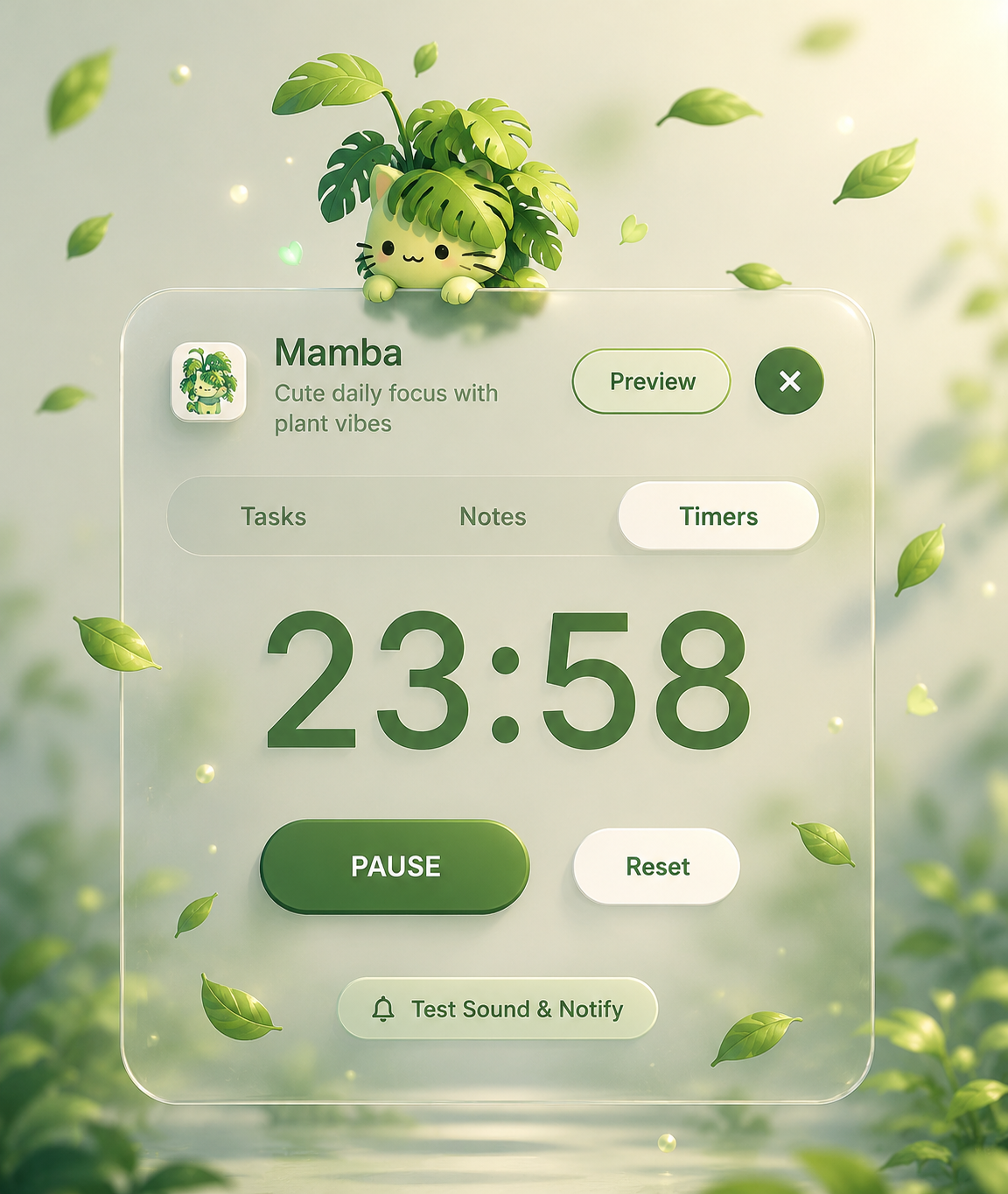
A floating widget for tasks, notes, and a Pomodoro timer. It lives on your desktop and pings you when something is due. No tabs. No subscription.
Windows portable · always on top · encrypted locally

Mamba
Cute daily focus with plant vibes
25:00
Glass panel. Soft greens. A plant-cat that stays with you while you work.

What it does
Add a task with a time. When the clock matches, Mamba plays a sound and sends a system notification. No open tab required.
A quiet text area for the thought you do not want to lose. It saves itself. It is still there tomorrow.
Start a focus cycle. Watch the countdown. When it ends, you hear it. Then you go back to work.
Tasks are AES-encrypted. The key lives in your OS keychain. Nothing leaves the desktop.
Why it exists
Most productivity tools demand your attention. Mamba works the other way. It stays out of the way until you need it.
Built as a vanilla Electron widget. No framework tax. Toggle with Ctrl + Shift + T. Hide to the tray. Launch with the system.
v0.1 · Free · Windows 10 / 11
Grab the portable build, drop it in any folder, and run it once. It sits quietly beside your work until something is due.
Toggle it anywhere withCtrlShiftT— then get back to work.
Windows portableextract, run, done
Encrypted locallythe key never leaves your OS
Timed pingsno open tab required